We've embraced every wave of tech
26 June, 2026 Reading: 8:02 mins

By Jane
A cautionary tale on forgetting the basics.
It’s pretty impressive when you think about how far we've come – from embracing ‘the website’ way back to getting our heads around social media, even when it felt like everything changed every five minutes. And so it continues. We've sat through digital transformation conversations, nodded along at conferences, and now here we are, fully leaning into AI, prompt engineering, generative tools, automation. You name it - we're all over it!
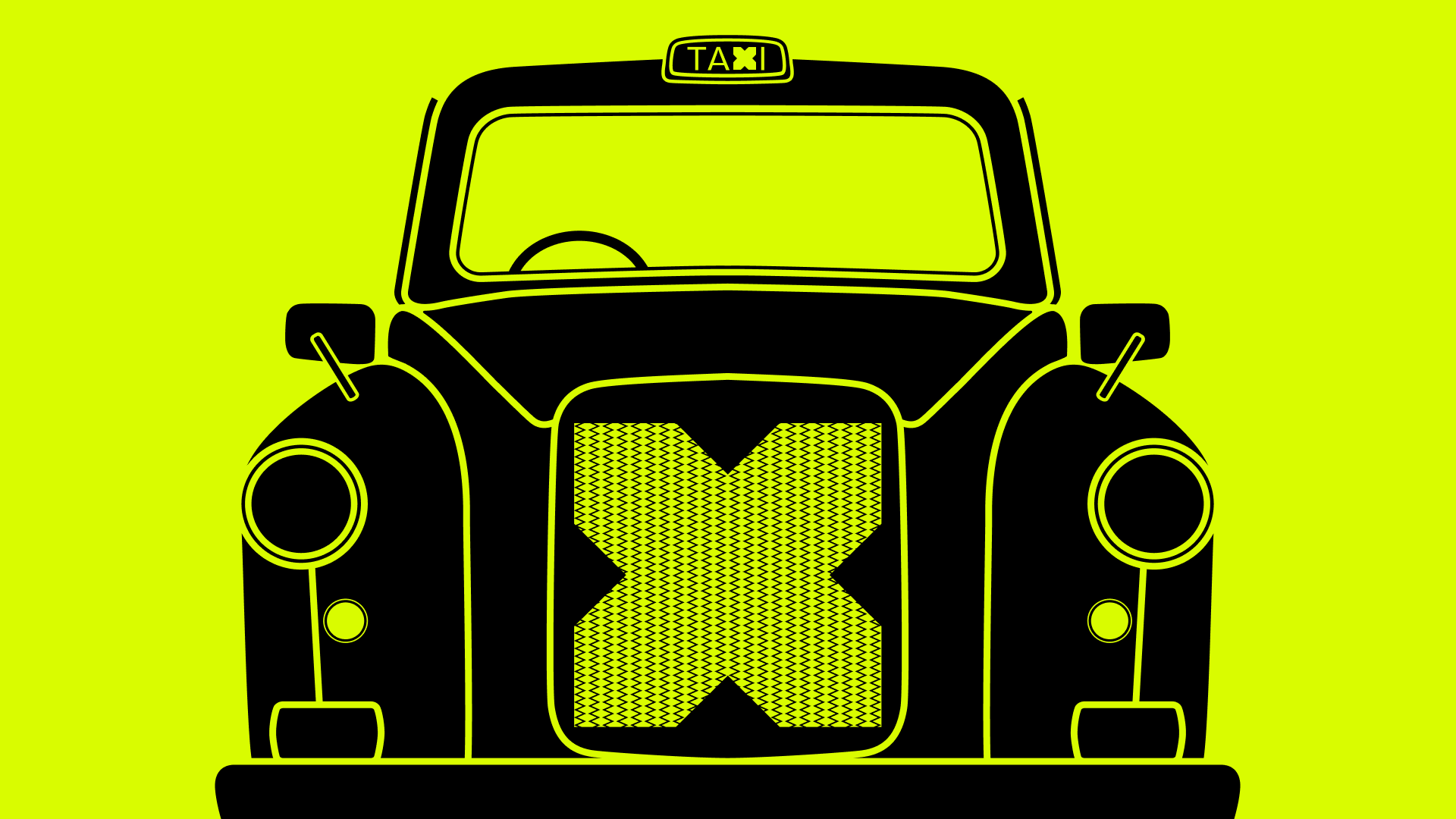
And yet for all the sophistication, for all the tech we've willingly adopted, it took losing my phone in the back of a London taxi to make me realise that while I’ve embraced all the new tech with gusto, I'd completely neglected the basics.
Sarah and I were in London recently – two senior communications professionals, between us probably six decades of industry experience – when I realised my personal phone had disappeared. The taxi had already pulled away, and either my phone was still in it, or it had been stolen. My entire life is stored on that phone… so naturally, severe panic ensued. What followed was a masterclass in how quickly confidence evaporates when you're suddenly relying on digital hygiene you'd never properly put in place.
Thankfully I also had my work phone with me (which had a few personal contacts still on it), so I called my Gen Z adult children in a mild panic. Several eye rolls and ‘seriouslys’ later all three of my kids sprang into action: one rang my phone (yep, hadn’t thought of that one…!). Another walked me through how to disable the phone remotely via iCloud – step by painful step (complete with huffs and puffs – oh how the tables have turned!). My third child was attempting to track my phone through the Find My iPhone tracker and gleefully informed me she’d located it as it was merrily making its way through Shoreditch.
I will also add here that things were hampered even further by the shocking lack of signal in and around Farringdon – again we’ve all embraced the tech and the digital transformation but we’re slightly scuppered if the mobile service/WiFi is non-existent!
Anyway, within 45 minutes the phone was found, and our lovely cab driver drove it back to where he’d dropped us off. Panic over. But the experience left me with an uncomfortable question: we’ve all put so much energy into embracing the next wave of technology that maybe some of the most basic digital hygiene has quietly slipped. And when something goes wrong, that gap becomes obvious very fast.
So, in the spirit of making something helpful out of an embarrassing afternoon, here are just a few things that would have been really useful to have in place on my iPhone – call me ignorant, but you can thank me later. To save my reputation I’ve put an asterisk next to the ones I already had in place!
Ten useful iPhone hygiene factors
- Enable "Find my iPhone" in Settings. Even if the battery dies, Apple sends your phone's last known location to iCloud. This feature would have saved me 20 stressful minutes!
- Know how to remotely lock or erase your device. This one was met with much tutting from my 23-year-old. Sign into iCloud.com on any browser, go to Find My, select your device and you’ll find options to play a sound, mark it as lost or erase it entirely. Know where this is before you need it, not during the panic of actually needing it, as I discovered…
- Set a strong passcode. Come on let’s face it - we’re all guilty of using the same old, same old. If you're still on a four-digit PIN, change it. A four-digit code has only 10,000 combinations – that's not much of a barrier if your phone ends up in the wrong hands.
- Set up Face ID properly. Quick, secure, convenient. While you're in there, check which apps have biometric access. You may be surprised.
- Turn off notification previews on your lock screen. If your phone is sitting on a table, anyone nearby can read your messages without unlocking it. It’s a small change, but it can make a meaningful difference to protecting your privacy.
- Enable two-factor authentication. If it's not on, switch it on now. Even if someone gets your Apple ID password, they can't access your account without a verification code sent to a trusted device. This one is a no brainer in my book, yet although I have it on all my work devices, I didn’t have it on my own phone (oops!).
- Switch on iCloud backup settings and back up now! If your phone is lost or damaged, an up-to-date backup means you can restore everything to a new device. Don't wait until it's too late to discover your last backup was eight months ago.
- Review app permissions. Work through your entire list — location, microphone, camera, contacts. You'll almost certainly find something that surprises you. An app you downloaded two years ago and barely use probably doesn't need access to your microphone.
- Store key contacts somewhere other than your phone. If your phone disappeared right now, could you call your partner? Your most important clients? This was my nightmare. I had client numbers on my work phone and just a few of my personal contacts, but my personal phone was all family and friends… which is no good if it goes missing. Write down five to ten numbers you'd genuinely need in an emergency and keep them somewhere accessible - wallet, notebook, laptop. It feels old-fashioned but frankly it’s just very sensible.
- Use a password manager. Apple's built-in Passwords app or a third-party option like PassPack makes it straightforward to generate and store unique passwords for every account. If you're still using the same password across multiple accounts, please stop. The moment your phone is compromised, a shared password becomes a vulnerability across everything you use.
But standing stranded in Farringdon with no phone and no cash also reminded me that some very un-techy habits would have made my afternoon considerably less stressful once it had dawned on me how much of my life is stored on my phone…so…
While we're at it – five old-school basics that still matter
- Always carry a physical bank card. If your cash is all stored in Apple Pay or Google Pay and your phone dies, runs out of battery or gets nicked – how do you pay for anything? A coffee, a cab home, a train ticket? Keep a card (or hey, even more old school - cold hard cash?) in your wallet, separate from your phone, always. I know, I know. But trust me on this one.
- Keep a portable charger with you. Running out of battery isn't just inconvenient anymore – it can genuinely strand you. Your train ticket is probably on your phone. The Uber app is on your phone. Your hotel booking is on your phone. This is an obvious one – I know! – but a small portable charger in your bag takes up almost no space and has saved me on more occasions than I can count. This should be non-negotiable.
- Screenshot or write down your travel bookings. A booking confirmation sitting in an email is no use if you can't access your email. Before any journey, screenshot your ticket or reservation and save it somewhere you can get to offline – your camera roll, a notes app, even a printed copy if you're feeling particularly retro.
- Know your rough location. We've all become so dependent on Google Maps that the moment it's unavailable, most of us are completely lost. Literally. Before you head somewhere unfamiliar, take thirty seconds to look at the map and get a rough sense of the area. North, south, major landmarks, which direction the station is. Basic wayfinding.
- Have a Plan B for getting home. What's your backup if your usual route falls apart and you can’t access your phone? Know the name of a local taxi firm if you’re not in a busy town (not just an app) or have a rough idea of alternative train routes. When everything's working, Plan B feels unnecessary, but when it isn't, you'll be very glad you had one.
Discoverability starts with being findable, in more ways than one
Of course I didn't write this to flag my own incompetence, tempting as that might be. There's a broader point here. At KISS we talk a lot about Discoverability, making sure organisations and the people within them are visible, credible and findable in the right places, by the right people. But Discoverability doesn't just apply to your content strategy or your LinkedIn profile. It applies to how you operate digitally in every aspect of your life, full stop.
Being trusted in your field is built on reliability and competence. If your professional reputation is your most valuable asset – and I'd argue it is – then protecting your digital life is part of protecting that reputation. A compromised account or a lost device with unprotected data can undermine years of credibility in an afternoon.
We've spent years helping clients get discovered, build authority and show up distinctively in crowded markets. The basics still matter – and in fact, they matter more than ever, precisely because so few people bother with them.
So go and check your iCloud settings. Right now. Before you get into another taxi. Then you can dig out that emergency tenner and buy me a coffee later!